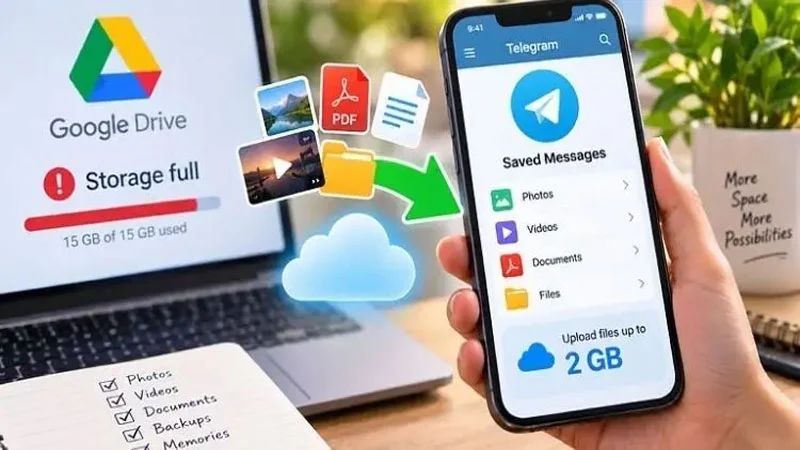
Google Drive’s 15GB of free storage has run out. You are thinking about an alternative. Storing photos, videos, PDFs and important documents on a smartphone has become a worry. Telegram can be useful here. Besides sending messages, the app’s cloud storage offers a way to keep many kinds of file across several devices.
It is important to know that Telegram’s 2GB is not a separate free storage package. Ordinary users can upload a single file of up to 2GB. Its cloud chat can be used to keep multiple files.
How to store files
First go to the Telegram app. Then enter the Saved Messages option. To find it, use Telegram’s search option and search for Saved Messages. This is a personal space where anyone can keep messages, photos, videos and documents for themselves.
Once in Saved Messages, tap the attachment icon. In this section, select the photos or videos from the gallery that you want to save. To store a Word file, a PDF or another document, go to the file option. Select the file in this section and send it.
Capacity for large files
The maximum file size on a free Telegram account is 2GB. Premium users of the platform get 4GB. That means large videos or documents can be sent.
Using it on a computer
Log in to the account on Telegram Desktop or the web version on a computer. Go to the Saved Messages option there and the stored files can be downloaded. Files uploaded from any device can therefore be used on a computer. Telegram cannot be regarded as a complete replacement for Google Drive, however. Specialists also advise making sure of security before using Telegram to store important personal documents.
বাংলায় মূল প্রতিবেদন পড়ুন · Read the original Bengali report