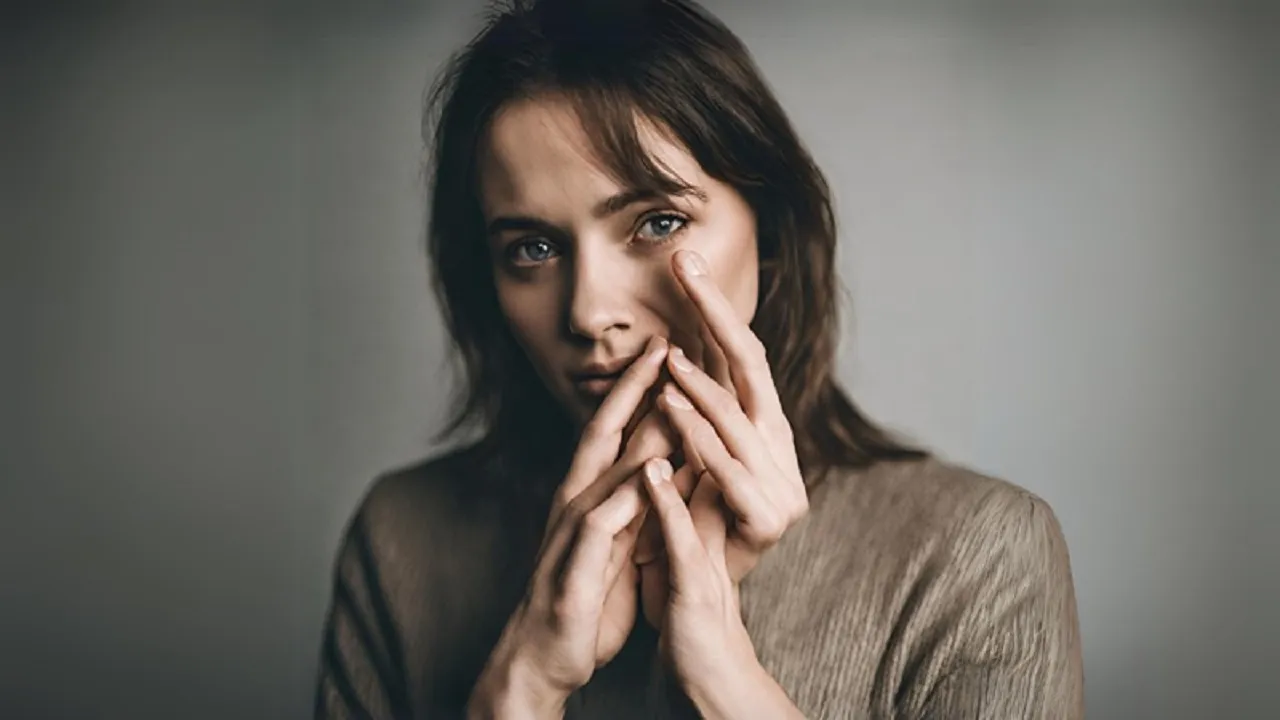
Images made with artificial intelligence (AI) are now everywhere. They turn up all the time on social media, in Google image search, on Pinterest and in advertising. Their use has grown so much that the term “AI slop” has caught on for low-quality or excess content made with AI.
The better AI gets, the harder it becomes to tell a real image from an artificial one. Modern image generators can produce near-lifelike pictures in seconds. So before taking any image you see online as real, it is worth checking a few things.
Six common signs of an AI-made image:
1. Odd or jumbled lettering
This is one of the oldest and easiest ways to spot an AI image. If a picture of a poster, book cover, T-shirt, signboard or advert has writing on it, look at it closely. If the letters are bent, distorted, incomplete or meaningless, the image may well have been made with AI.
Today’s AI models render text far better than before, but small errors can remain. If you are suspicious of an image, zooming in on its lettering is a useful check.
2. Extra fingers or odd body shapes
AI models have long struggled to draw human hands and fingers. The technology has improved a great deal, but extra fingers, fused fingers, strange knuckles or deformed nails can still appear.
Check other parts of the body too, not only the hands. See whether the wrists, elbows, neck, legs or body proportions look wrong. Look at the face as well. Whether the pupils sit in the right place, whether the nose looks normal, whether the teeth are oddly arranged: these can also point to an AI image.
3. Too perfect, yet unnatural faces
Sometimes an image is so lifelike that it does not seem artificial. But look carefully and something about the person’s face is off. The eyes may be too glossy or lifeless. The skin may be unnaturally smooth, like a plastic surface. The hair may be too perfect. The teeth may blend into one another.
In short, if everything in the picture seems right but the face has a kind of “unnatural perfection”, consider that it may have been made by AI.
4. Everything suddenly too perfect
AI-made images now appear in social media posts by businesses and restaurants too. If a picture of food looks unnaturally perfect, with the light falling just right on the meat, no oil or stains anywhere, and the food impossibly neat in size and shape, that can also be a reason for suspicion.
Real food photos usually have some imperfection. Light, shadow, spilled bits of food or marks on the packaging are normal. In AI-made images these are often unnaturally flawless. In the same way, if a company’s logo or advert suddenly features an extremely polished illustration, it is worth checking whether it was made with AI.
5. Unnatural clutter
Another sign of an AI image can be too much in the picture. Look closely for patterns repeated unnaturally, overly detailed backgrounds, shadows falling at impossible angles, reflections that do not match reality, or strange lighting.
Sometimes the whole image can feel as if it is trying to show too much at once. Overly dramatic light, unnatural brightness and needless visual elements can make a picture look artificial.
6. Too smooth, with detail lost
Just as an overly perfect or detailed image can raise suspicion, the opposite, an image missing the fine detail it should have, can also point to AI. This is often seen when old photos are “colourised” or recreated. Using AI can wipe out the brickwork of an old building, the separate leaves of a tree or the fine detail of people’s clothes.
The picture then starts to look like a painting rather than a real photograph. In other words, if the overall structure of an image is right but the fine real-world detail is gone, that too is a reason to be careful.
Use free AI detectors
As well as judging by eye, you can check images with technology. Some free Google tools can help. On an Android phone you can use “Circle to Search” to ask whether an image was made with AI. Google Lens’s “About this image” feature can also give information about where an image came from and its context. These tools also work on images carrying Google’s “SynthID” watermark: where such a watermark is present, the tool can detect it.
You can also upload an image to Google’s Gemini app and ask whether it was made with Google’s AI. But none of these methods is foolproof. Images made with advanced AI can often slip past detectors.
How reliable are AI image detectors?
Tools for detecting AI images do not always give the right answer. Tests have found cases where a detector identified an AI-made image as real. So rather than relying on one detector’s result, you should also check the image’s visual features, its source and the information that comes with it. Especially when an image is used with an important news story, person, event or claim, tracing its original source is one of the safest methods.
বাংলায় মূল প্রতিবেদন পড়ুন · Read the original Bengali report