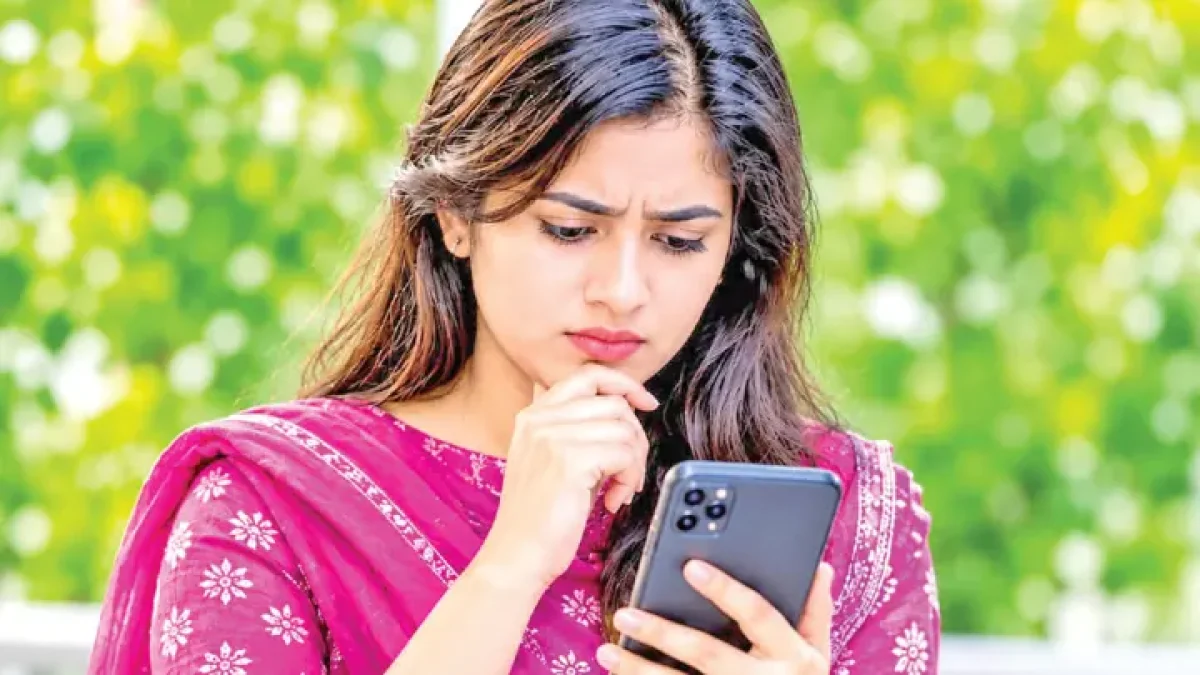
Digital payments are increasingly used for shopping, paying bills, sending money and buying services online. In Bangladesh too, bKash, Nagad, Rocket, internet banking, and debit and credit cards have made financial transactions much easier. Money can be sent or a payment made in seconds from home.
What are the risks?
Fraudsters use a range of tricks with digital payments. Some of the main ones are:
- Fraudsters may call pretending to be officials of a bank or mobile financial service. Claiming to verify an account, award a prize or refund money, they may ask for a PIN, OTP or other confidential information.
- Fake links sent by SMS, email or social media take users to fake websites. Login or card details entered there can end up with the fraudster.
- Scanning an unknown or tampered QR code can send money to the wrong person or account, so it is essential to check the recipient’s name and the amount before paying.
- Making sensitive financial transactions over public Wi-Fi can create a risk of data theft or unauthorised access.
Ten effective ways
1. Strong passwords
Do not use an easily guessed PIN or password for mobile banking, bank apps and online payment accounts. Avoid your date of birth, mobile number or sequential numbers. Use a different, strong password for each important account. If needed, use a reliable password manager.
2. OTP and PIN
OTPs and PINs are vital to the security of digital transactions. Never tell anyone your OTP, PIN or password, even if they say they are an official of a bank, bKash, Nagad or any other organisation.
Remember that fraudsters often create a sense of emergency to get information quickly. If you get a suspicious call, hang up and contact the organisation through its official number or app.
3. Two-step verification
Turn on two-factor authentication (2FA) or multi-factor authentication (MFA) wherever an account offers it. Then nobody can easily get into the account just by knowing the password. An authenticator app, a passkey or another secure method supported by the organisation can serve as the extra check.
4. Clicking unknown links
Be careful before clicking unknown links received by SMS, WhatsApp, Messenger or email. Messages saying your account will be closed, you have won a prize or you must update your KYC may well be fraud. To visit a financial institution’s website, type the official address yourself or use its verified app.
5. Check the details before paying
When sending money, check the recipient’s name, account number or mobile number carefully. When paying by QR code, also match the recipient and amount shown on the screen. If you send money to the wrong number, contact the financial institution quickly. Getting the money back is not guaranteed, so checking before the transaction is safest.
6. Avoid financial transactions on public Wi-Fi
Open Wi-Fi networks in hotels, restaurants, airports and other public places may lack security. It is better not to do banking or sensitive financial transactions on them. If needed, use your own mobile data or a trusted, secure network.
7. Keep apps updated
Update your smartphone’s operating system and financial apps regularly; updates often fix security weaknesses. Download apps from the Google Play Store or Apple App Store and follow the organisation’s official guidance. Avoid installing APK files from unknown sources.
8. Turn on transaction notifications
Keep SMS, app notifications or email alerts for transactions from your bank or mobile financial service switched on, so you find out quickly if a transaction is made without your permission. Check your transaction history regularly and contact the organisation quickly if you see one you do not recognise.
9. Act fast if you lose your phone
Losing a mobile phone means not only losing the handset but also a possible threat to your financial accounts. In that case, contact your mobile operator quickly to secure the SIM. Also contact your bank or financial service provider to suspend the account or transactions temporarily if needed. Keeping a screen lock and device tracking switched on is also important.
10. Suspicious transactions
If unknown money is taken from your account, you are defrauded, or you suspect someone else has your PIN or OTP, report it quickly through the organisation’s official helpline or app. Keep the time, amount, transaction ID and relevant messages. If necessary, seek help from law enforcement. Do not exchange any more information or money with the fraudster.
বাংলায় মূল প্রতিবেদন পড়ুন · Read the original Bengali report